
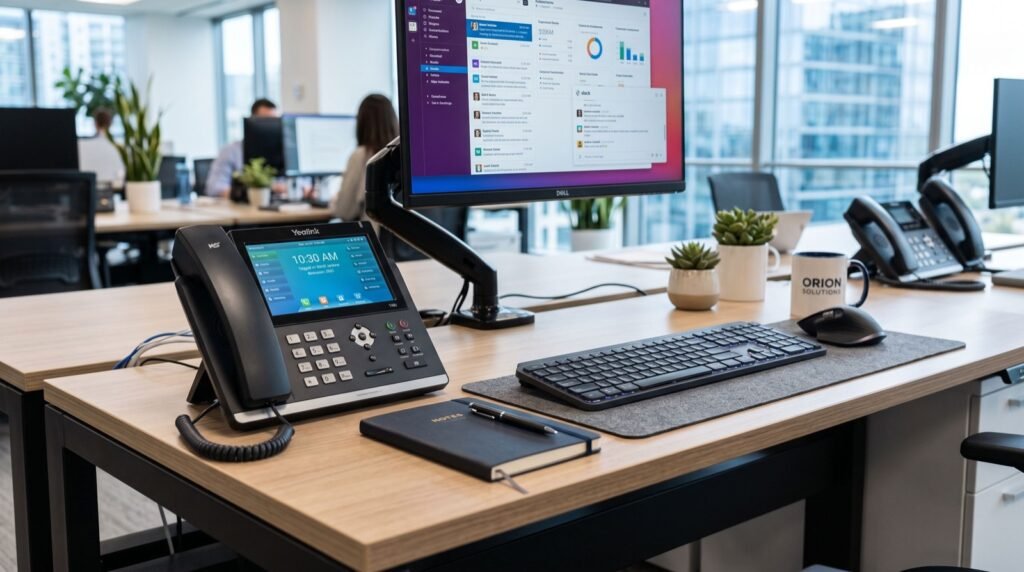
Fanvil X210 on the Call Center Floor: A 2026 Supervisor’s Handset Guide
On a busy support floor, the supervisor’s phone is mission control. Calls queue, agents signal for help, VIP customers escalate, and someone has to see all of it at a glance and act in seconds. The Fanvil X210 was engineered for exactly that pressure, and in 2026 it has become a go-to choice for team leads who refuse to fight their own hardware during a rush.
We have watched support teams thrive or stumble based on one thing: whether the person coordinating the queue can monitor and move calls instantly. This guide looks at the X210 through that lens, the floor supervisor, rather than the quiet executive office.
Why the Fanvil X210 Suits High-Volume Support Teams
The X210 carries a 4.3-inch color display flanked by two 3.5-inch side screens, exposing a wall of programmable keys. On a support floor those keys become live busy-lamp-field indicators, showing at a glance which agents are on a call, which are free, and where a waiting customer should go next.
That visibility is the difference between a smooth escalation and a dropped VIP. Instead of asking around, the supervisor sees the floor and presses one key to pull or push a call.
- Up to 20 SIP lines for monitoring many agents at once.
- Dual color side screens that turn into a live status board.
- Dual Gigabit ports so the supervisor’s PC and phone share one drop.
- HD wideband audio for clear coaching and barge-in calls.
- PoE power for a clean, single-cable desk in a dense bullpen.
These phones interoperate with contact-center platforms because they rely on the open Session Initiation Protocol standardized by the IETF in RFC 3261. That openness lets the X210 slot into Asterisk, FreePBX, 3CX, or a hosted queue without proprietary lock-in.
Building a Support Desk Around the X210
Agents and supervisors need different tools. A smart floor mixes compact agent handsets with a commanding supervisor phone, and you can browse the full range of IP Phone / IP Phones to match each role before you standardize.
Put the X210 where coordination happens, the team lead, the escalation desk, the shift manager. Give agents simpler models and let the supervisor’s keys mirror the whole team. This hub-and-spoke layout is how experienced floors keep wait times down.
How does a supervisor monitor agents with the Fanvil X210?
Each programmable key can be mapped to an agent extension as a busy-lamp field. The key’s color shows status in real time, so the supervisor knows instantly who is available for the next transfer or who needs a hand.
X210 Features That Matter Most During a Rush
The table below ranks the features a support lead actually leans on when the queue spikes, versus nice-to-haves.
| Capability | Why it matters on a busy floor | Priority |
|---|---|---|
| Side-screen BLF keys | See agent status without asking | Critical |
| Fast call transfer | Move escalations in one press | Critical |
| HD audio | Clear coaching and barge-in | High |
| Dual Gigabit | CRM and phone on one cable | High |
| Bluetooth headset | Hands-free while navigating | Medium |
The pattern is clear: on a support floor, visibility and speed beat everything else, and that is precisely where the X210’s screens and keys earn their keep.
Deploying Without Disrupting Live Queues
You cannot take a support line offline for a day. A careful cutover keeps customers connected while you upgrade the hardware underneath them.
- Mirror the old layout: map existing extensions to the new keys first.
- Provision from the PBX: push configs automatically to avoid manual errors.
- Swap in low-traffic hours: cut over the supervisor desk during a lull.
- Keep a fallback: hold the old handset nearby for the first shift.
- Debrief after one shift: adjust key assignments based on real use.
If the upgrade coincides with moving the whole floor to a new premises, coordinate cabling and bench testing with dependable specialists so the queue is live the moment agents sit down. A support line that goes dark during a move is the fastest way to lose customer trust.
Can the X210 handle a growing team without replacement?
Yes. With up to 20 monitored lines and expansion-friendly key screens, one unit scales with a support team as it grows, so you are not re-buying the supervisor desk every quarter.
The Bigger Picture: Why IP Telephony Wins for Support
Internet-based calling lets support teams flex capacity, add remote agents, and pull detailed call analytics, advantages that keep displacing legacy lines according to guidance from the U.S. Federal Communications Commission. A capable supervisor endpoint is what turns those platform features into faster resolutions on the floor.
In short, the software gives you queues and reports, but the Fanvil X210 gives the human in charge the control surface to act on them in real time.
There is also a people side that hardware quietly supports. When a supervisor can resolve escalations without shouting across the room or putting a customer on a long hold, the whole floor feels calmer. Lower stress keeps agents sharper through a shift, and that shows up in both customer scores and staff retention.
One practical tip from real deployments: spend an hour mapping your busiest hour before you assign keys. Put your most-escalated agents and your overflow queue on the easiest-to-reach keys, and leave rarely used functions toward the edges. Laying out the X210 around your actual traffic pattern, rather than alphabetically, is the single biggest usability win we see teams gain after a cutover.
Frequently Asked Questions
Is the Fanvil X210 overkill for a small support team?
Not for the person coordinating the queue. Even a five-agent team benefits when the lead can see every agent’s status and transfer calls instantly from one device.
Can I pair a wireless headset for hands-free supervising?
Yes. The X210 supports Bluetooth headsets, which frees the supervisor to type notes or walk the floor while staying on a call.
Does the X210 work with hosted contact-center platforms?
It does. Because it uses standard SIP, it registers with cloud and on-premise queue systems alike, giving you freedom to switch providers later.
How do the side screens help during peak hours?
They display dozens of programmable keys as a live status board, so the supervisor reads the whole floor at a glance instead of scrolling menus.
Final Thoughts
A support floor rises or falls on how quickly the person in charge can see and move calls. The Fanvil X210 gives that supervisor a genuine command surface, with real-time status keys, instant transfers, and clear audio built for the rush of 2026. Mix it with simpler agent handsets, provision everything centrally, and your queue stays calm even when volume spikes. Start by putting one X210 at your escalation desk and watch resolution times tighten.